
Mil Win Withdrawal Process and Common Problems
A Mil Win withdrawal request is used to transfer an eligible account balance to a payment wallet or bank account.
Withdrawal availability can depend on identity checks, payment-account matching, bonus conditions, minimum limits and account review.
No fixed processing time should be treated as guaranteed unless it appears in the current platform terms.

How do you withdraw money from Mil Win?
To withdraw from Mil Win, open the wallet, select Withdraw, choose your bound JazzCash, Easypaisa or bank account, and enter an amount within the shown limits. Withdrawals can depend on identity checks, account-name matching, bonus conditions and account review, so no processing time should be treated as guaranteed.
| Item | Detail |
|---|---|
| Paid to | Bound wallet or bank account |
| Name rule | Must match your profile |
| Can delay payout | Verification, bonus conditions |
| Processing time | Not guaranteed |
| Last updated | October 10, 2026 |
Key Takeaways
- Mil Win withdrawals go to a payment account bound in your own name.
- Bonus conditions can block a withdrawal until they are met.
- Save the withdrawal request ID and screenshots.
- A pending withdrawal is not proof of loss or of payment.
- Never pay a fee to release a withdrawal.
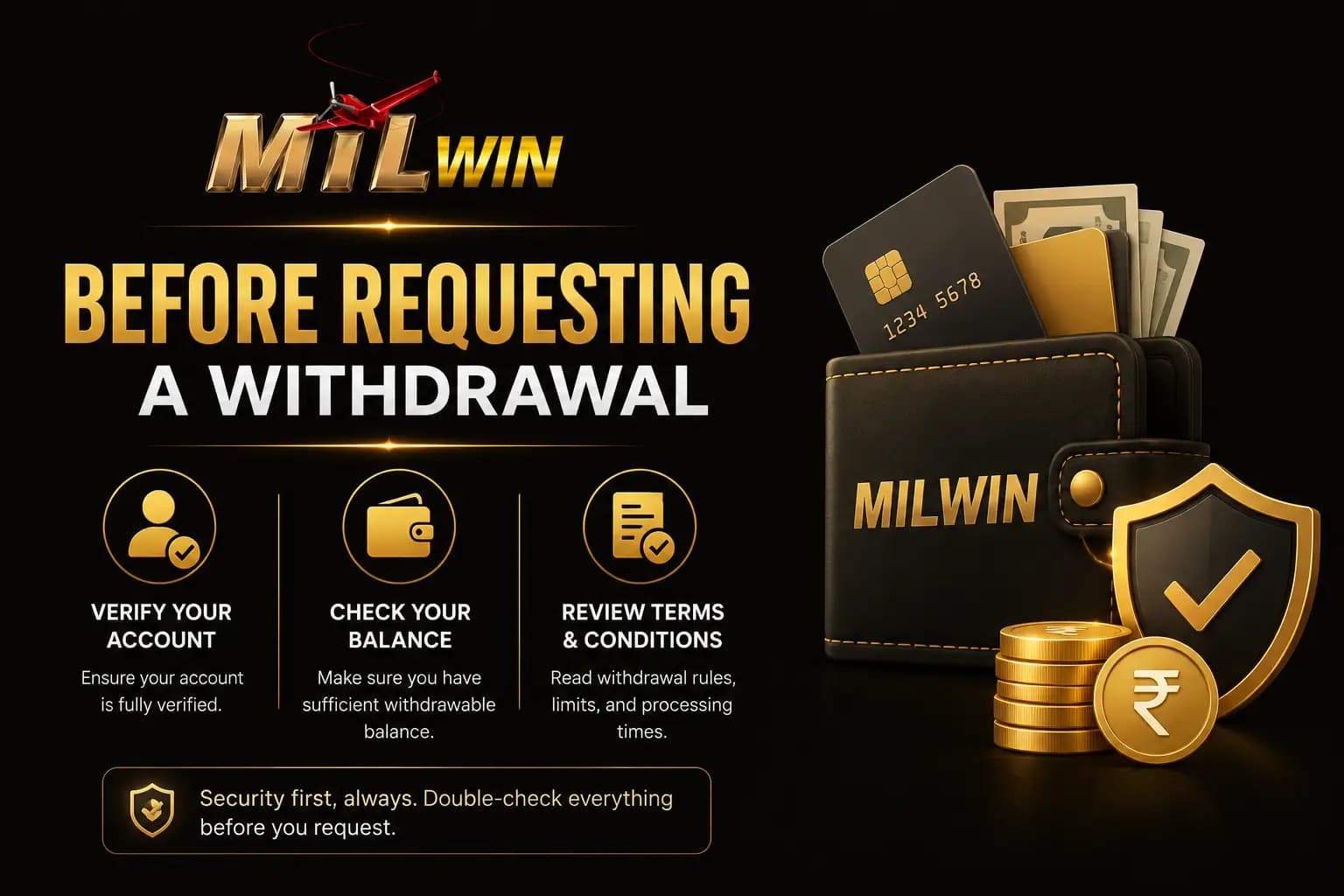
Before Requesting a Withdrawal
Check:
- Withdrawable balance
- Minimum withdrawal
- Maximum withdrawal
- Fee
- Payment method
- Account-holder name
- Bonus turnover
- Identity-verification status
- Pending requests
A bonus balance may not be the same as a withdrawable cash balance.
General Withdrawal Process
- 1Log in to the account.
- 2Open Wallet or Withdrawal.
- 3Select the payment method.
- 4Enter the account details.
- 5Confirm the account-holder name.
- 6Enter the withdrawal amount.
- 7Review any displayed fee.
- 8Complete verification.
- 9Submit the request.
- 10Save the request ID and screenshot.
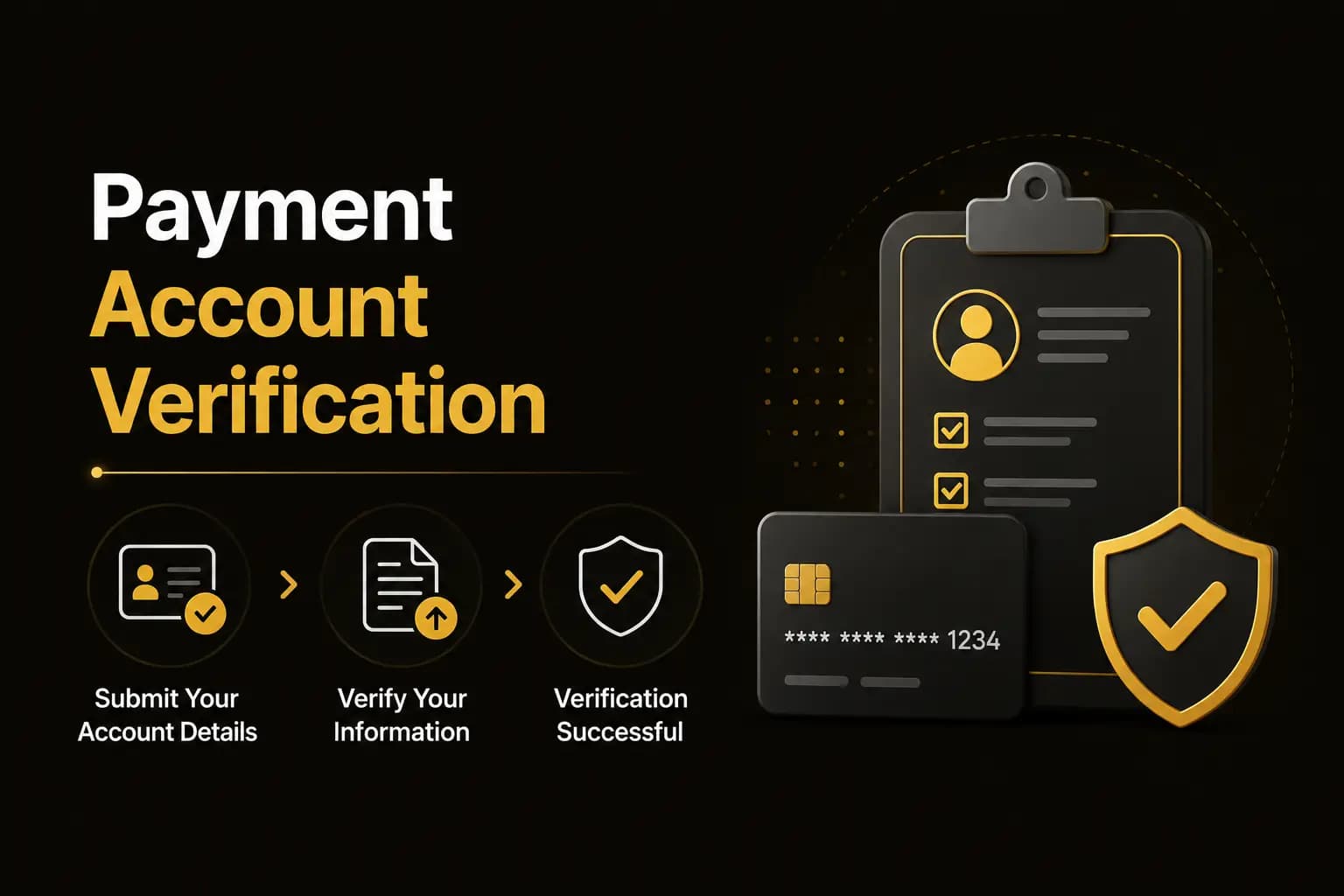
Payment Account Verification
The platform may require the withdrawal account to match the registered account holder. Incorrect information can lead to rejection or delay. Check:
- Wallet number
- Bank account number
- IBAN
- Account title
- Mobile number
- Selected payment channel
Withdrawal Pending
A pending status may result from:
- Account review
- Payment-method delay
- Incorrect account details
- Bonus conditions
- Identity verification
- High request volume
- Previous pending withdrawal
- Security check
Save the request information before contacting support.
Withdrawal Completed but Money Not Received
Follow these steps:
- 1Confirm the status inside Mil Win.
- 2Check the destination wallet or bank statement.
- 3Verify the account number.
- 4Save the withdrawal reference.
- 5Wait for the stated processing window.
- 6Contact verified support.
- 7Ask for a transaction reference or proof of transfer.
Do not pay a release fee to an unknown person.
Withdrawal Rejected
Possible reasons include:
- Amount below the minimum
- Incorrect account details
- Uncompleted turnover
- Verification problem
- Unsupported payment method
- Duplicate request
- Account restriction
Review the displayed rejection message rather than repeatedly submitting the same request.
Withdrawal Scam Warnings
Be careful when someone asks for:
- Tax paid to a personal wallet
- Account-unlock fee
- Release fee
- Verification deposit
- Password
- OTP
- Remote access to your phone
- Additional payment to speed up processing
A delayed withdrawal should be investigated through verified support, not through random contacts.
Withdrawal FAQs
Processing time can vary and should be checked inside the current account.
Conclusion
Before submitting a Mil Win withdrawal, confirm the payment details, withdrawable balance, fees and bonus conditions.
Keep the request ID and screenshots. When a payment is delayed, contact verified in-app support and avoid anyone requesting an additional unlock or release payment.
Continue with Mil Win
Download the guide, then log in or create an account to continue.