
Mil Win Deposit Process and Safety Checks
A Mil Win deposit adds funds to an account wallet for paid gameplay.
Third-party websites commonly mention EasyPaisa, JazzCash and bank transfer options. However, payment channels, limits and recipient details may change.
Only use deposit instructions shown inside the current verified account.

How do you deposit money in Mil Win?
To deposit money in Mil Win, open the wallet and choose a reported method such as JazzCash, Easypaisa or bank transfer. Send the amount to the recipient details shown in the app, then submit the transaction ID and keep a screenshot. Copy recipient details fresh each time, because they can change.
| Item | Detail |
|---|---|
| Reported methods | JazzCash, Easypaisa, bank |
| Keep | Transaction ID + screenshot |
| Recipient details | Copy fresh from the app |
| Never | Pay an agent's personal wallet |
| Last updated | October 10, 2026 |
Key Takeaways
- Mil Win deposits are reported via JazzCash, Easypaisa and bank transfer.
- Only follow payment details shown inside your own account.
- Save the transaction ID and a screenshot for every deposit.
- Deposit bonuses usually carry conditions before withdrawal.
- If a deposit is missing, check the payment status before paying again.
Before Making a Deposit
Check:
- Payment method
- Recipient name
- Account number
- Minimum amount
- Maximum amount
- Fee
- Bonus eligibility
- Processing instructions
- Transaction-reference requirement
Do not rely on payment details copied from an old screenshot or social-media post.
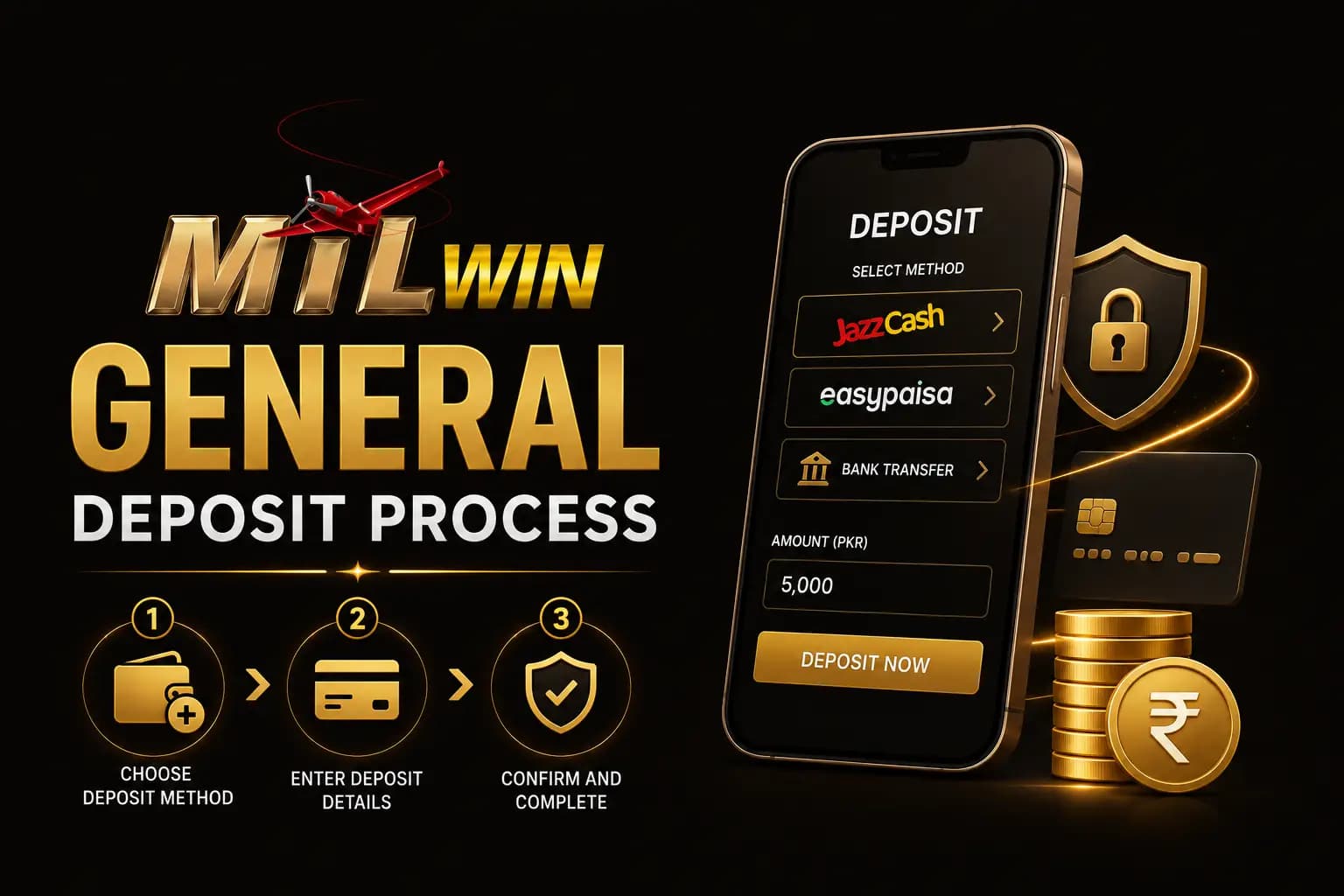
General Deposit Process
- 1Log in to the account.
- 2Open Wallet or Deposit.
- 3Select the available payment method.
- 4Enter the deposit amount.
- 5Review the payee details.
- 6Complete the payment through the selected wallet or bank.
- 7Copy the transaction ID.
- 8Return to the deposit screen.
- 9Submit the required reference.
- 10Save screenshots until the balance appears.
EasyPaisa or JazzCash Deposit
The general process may include:
- 1Select EasyPaisa or JazzCash.
- 2Enter the amount.
- 3Copy the current recipient information.
- 4Open the payment wallet.
- 5Verify the recipient name.
- 6Send the correct amount.
- 7Save the transaction ID.
- 8Submit the reference inside Mil Win.
- 9Wait for confirmation.
Never send money when the recipient information differs from the details shown inside the verified account.
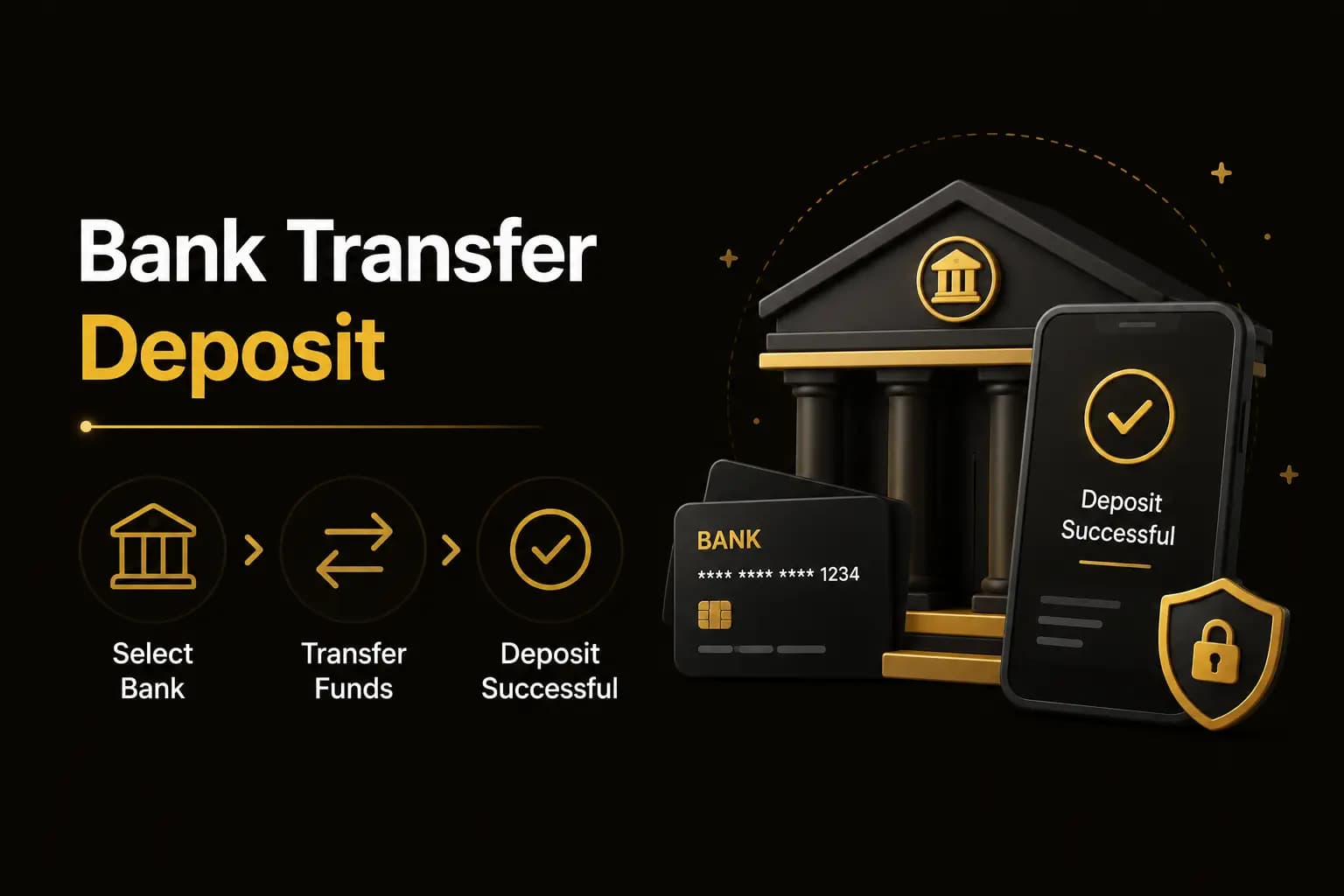
Bank Transfer Deposit
Before making a bank transfer, confirm:
- Bank name
- Account title
- Account number
- IBAN
- Transfer fee
- Deposit-reference instructions
A transfer to an unknown personal account carries additional risk.
Deposit Bonus Conditions
A deposit promotion may require:
- Minimum payment
- Specific payment channel
- Limited claim period
- Wagering requirement
- Eligible game activity
- Account verification
- Maximum withdrawal limit
Read the current promotion terms before depositing for a bonus.
Deposit Successful but Balance Not Updated
Take these steps:
- 1Confirm the payment status in your wallet or bank.
- 2Check whether the amount was sent to the correct recipient.
- 3Save the transaction ID.
- 4Refresh the wallet.
- 5Log out and sign in again.
- 6Check the deposit-history section.
- 7Contact verified in-app support.
- 8Submit only the required evidence.
Do not make a second payment until the first transaction has been investigated.
Deposit Safety Rules
- Start only with an amount you can afford to lose.
- Never borrow money to deposit.
- Save all transaction records.
- Do not share an OTP or wallet PIN.
- Avoid payment instructions sent privately.
- Confirm changed recipient details.
- Read bonus conditions first.
- Stop when deposits affect essential expenses.
Deposit FAQs
EasyPaisa, JazzCash and bank transfers are commonly reported, but current options should be checked inside the account.
Conclusion
The safest Mil Win deposit process is to follow the current in-account instructions, verify the recipient and save every transaction reference.
Deposited money can be lost during gameplay. Use a fixed budget and never treat a bonus as guaranteed profit.
Continue with Mil Win
Download the guide, then log in or create an account to continue.