
Published
How do you identify a fake Mil Win website?
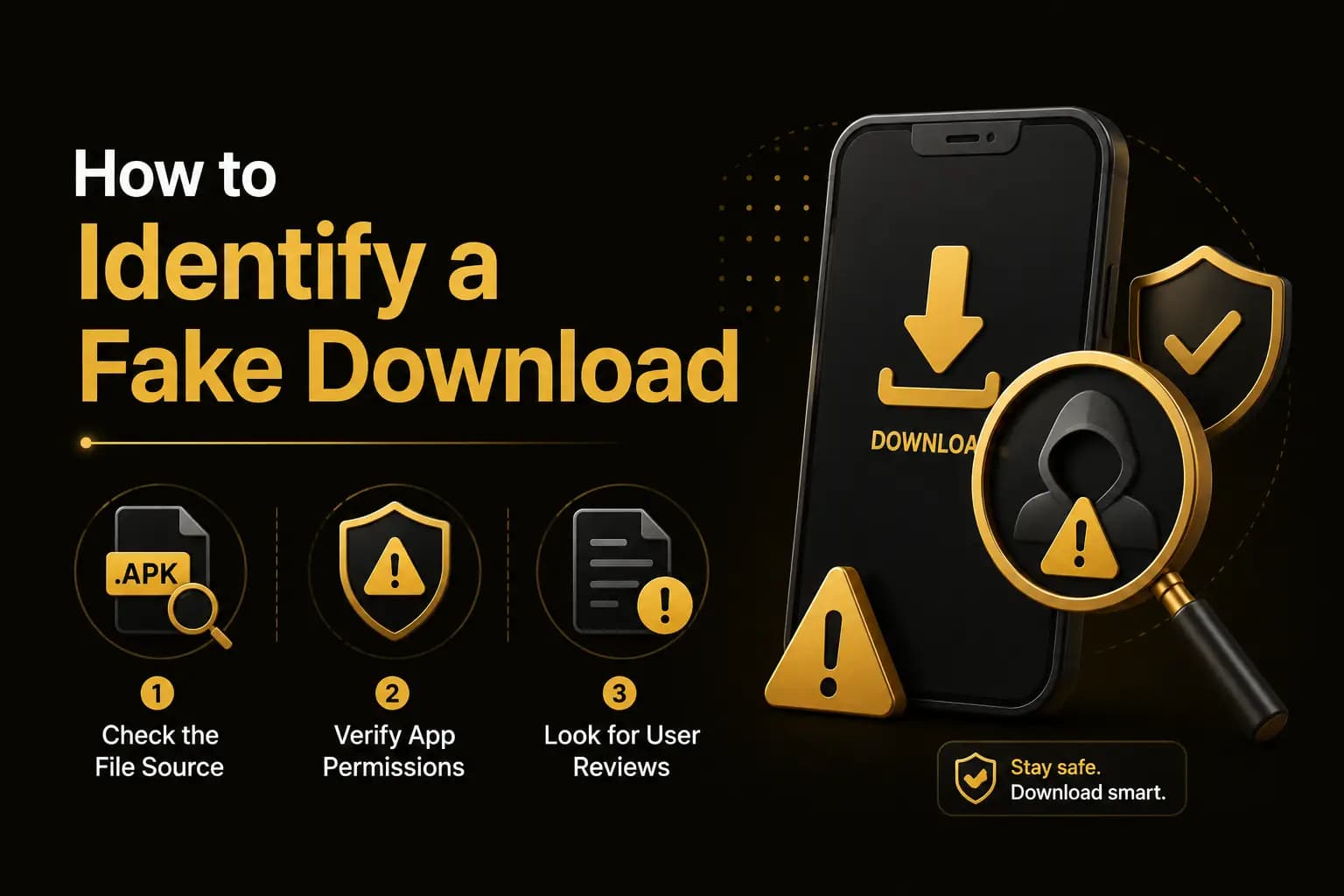
A fake Mil Win website can be identified by checking its domain spelling, HTTPS certificate, contact details, APK file and payment instructions. Warning signs include guaranteed earnings, hack APK offers, requests for your OTP or PIN, and deposits to personal wallets. The word official on a page does not prove ownership.
| Item | Detail |
|---|---|
| Official domain | Not established |
| Main checks | Domain, APK, login page, payments |
| Never share | Password, OTP, wallet PIN |
| Red flag | Guaranteed earnings |
| Last updated | October 10, 2026 |
Key Takeaways
- Many websites use the Mil Win name and logo; official ownership is not proven.
- Check the domain letter by letter before downloading or logging in.
- A login page asking for your wallet PIN is fake.
- Never send deposits to a personal wallet number from a website.
- If you entered details on a fake site, change your password from the genuine app.
Why Fake Gaming Websites Are Dangerous
A fake website may try to:
- Steal login credentials
- Collect OTP codes
- Redirect deposits
- Distribute modified APK files
- Install unwanted software
- Display fake account balances
- Charge account-unlock fees
- Collect identity documents
- Gain remote access to a device
The risk increases when the official operator and official website cannot be independently established.
10 Signs of a Fake Mil Win Website
1. The Domain Is Misspelled
Fraudulent domains may add, remove or replace a letter.
Examples of suspicious changes can include:
- Extra letters
- Different domain extension
- Hyphens in unusual places
- Numbers replacing letters
- Additional words such as VIP, hack or bonus
Read the full address before entering a password.
2. It Claims to Be the Only Official Website Without Evidence
Words such as official, genuine and authorised can be added by any website owner.
A stronger official claim should be supported by:
- Identified operator
- Registered company
- Consistent contact details
- Clear legal terms
- Verified application publisher
- Matching support channels
Do not rely on the page title alone.
3. The Website Promises Guaranteed Earnings
Real-money games cannot guarantee profit.
Warning phrases include:
- Earn unlimited money
- Guaranteed daily income
- Never lose
- Fixed winning trick
- 100% withdrawal guarantee
- Risk-free betting
Such language is designed to pressure users rather than explain financial risk.
4. It Offers a Hack or Unlimited-Balance APK
Modified files may be promoted as:
- Mil Win hack APK
- Unlimited balance version
- Withdrawal bypass
- Predictor app
- Mod menu
- Free coins generator
These files may steal account details or install malicious software.
5. The APK Requests Unnecessary Permissions
Review the permissions before installation.
Be cautious when a gaming application requests:
- Contacts
- SMS access
- Accessibility control
- Device administration
- Call logs
- Full background location
- Microphone access without a clear purpose
Do not approve permissions automatically.
6. The Download Button Redirects Repeatedly
A genuine download page should not force users through several unrelated websites.
Repeated redirects may lead to:
- Advertising pages
- Notification subscriptions
- Fake updates
- Other applications
- Malicious files
Close the page when the download process becomes unclear.
7. The Payment Account Changes Through Private Messages
A scammer may claim that the old EasyPaisa, JazzCash or bank account is temporarily unavailable.
Only use payment details displayed inside the verified account.
Do not trust changed payment instructions sent through:
- Telegram
- SMS
- Private calls
8. Support Requests a Password or OTP
A genuine support agent should not require your full password or wallet PIN.
Never share:
- Login password
- OTP
- EasyPaisa PIN
- JazzCash PIN
- Banking password
- Recovery code
An OTP should normally be entered only inside the current verification screen.
9. The Website Has No Clear Policies
Review whether the website provides:
- Privacy policy
- Terms and conditions
- Responsible-gaming information
- Contact method
- Risk notice
- Withdrawal rules
- Bonus conditions
A policy page alone does not prove legitimacy, but its complete absence is a warning sign.
10. It Demands a Fee to Unlock the Account
A scammer may say the account is frozen and requires:
- Verification deposit
- Release fee
- Security payment
- Tax payment
- Withdrawal activation fee
Do not send more money to resolve a deposit or withdrawal problem unless the charge is clearly explained in verified platform terms.
How to Check the Mil Win Domain
Before using the website:
- 1Read the complete domain.
- 2Check for spelling changes.
- 3Confirm HTTPS.
- 4Avoid shortened links.
- 5Open the site directly rather than through random messages.
- 6Compare the support details.
- 7Review the privacy and terms pages.
- 8Avoid pages with aggressive pop-ups.
HTTPS encrypts the connection, but it does not prove that the website is genuine.
How to Check the APK File
Before installation:
- 1Confirm that the file ends in .apk.
- 2Compare the file name with the download page.
- 3Scan the file.
- 4Keep Play Protect enabled.
- 5Review permissions.
- 6Avoid modified versions.
- 7Do not install an unexpected update from a message.
Different websites may publish different Mil Win versions and file sizes. Conflicting specifications should be treated as unverified rather than selecting whichever version sounds newest.
How to Check a Login Page
A fake login page may copy the logo and colours of the real platform. Check:
- Domain spelling
- HTTPS
- Page behaviour
- Unexpected redirects
- Password-manager warning
- Unusual OTP request
- Requests for payment before login
Stop when the page asks for information that was not required previously.
How to Check Payment Instructions
Before sending money:
- Open the deposit section directly.
- Confirm the recipient name.
- Check the account number.
- Review the amount.
- Save a screenshot.
- Keep the transaction ID.
- Do not share the wallet PIN.
- Confirm any changed details through verified support.
A payment receipt should never include your complete PIN or password.
What to Do After Entering Details on a Fake Website
Take action quickly:
- 1Change the Mil Win password.
- 2Change any reused passwords.
- 3Contact the wallet or bank when payment details were exposed.
- 4Review recent transactions.
- 5Remove the suspicious application.
- 6Run a device-security scan.
- 7Revoke unknown app permissions.
- 8Save screenshots of the website.
- 9Warn support through a verified channel.
- 10Do not communicate further with the scammer.
If remote-access software was installed, remove it and review the device carefully.
Frequently Asked Questions
The official operator and single official domain have not been independently established in the available material. Verify ownership rather than trusting the word “official.”
Conclusion
A fake Mil Win website may appear convincing by copying logos, app screenshots and promotional claims.
Check the complete domain, APK permissions, payment recipient and support process before entering personal or financial information.
Avoid hack files, guaranteed-profit promises and requests for passwords, OTPs or release fees. When official ownership cannot be independently confirmed, extra caution is necessary.